DRRM Forms
Our forms.
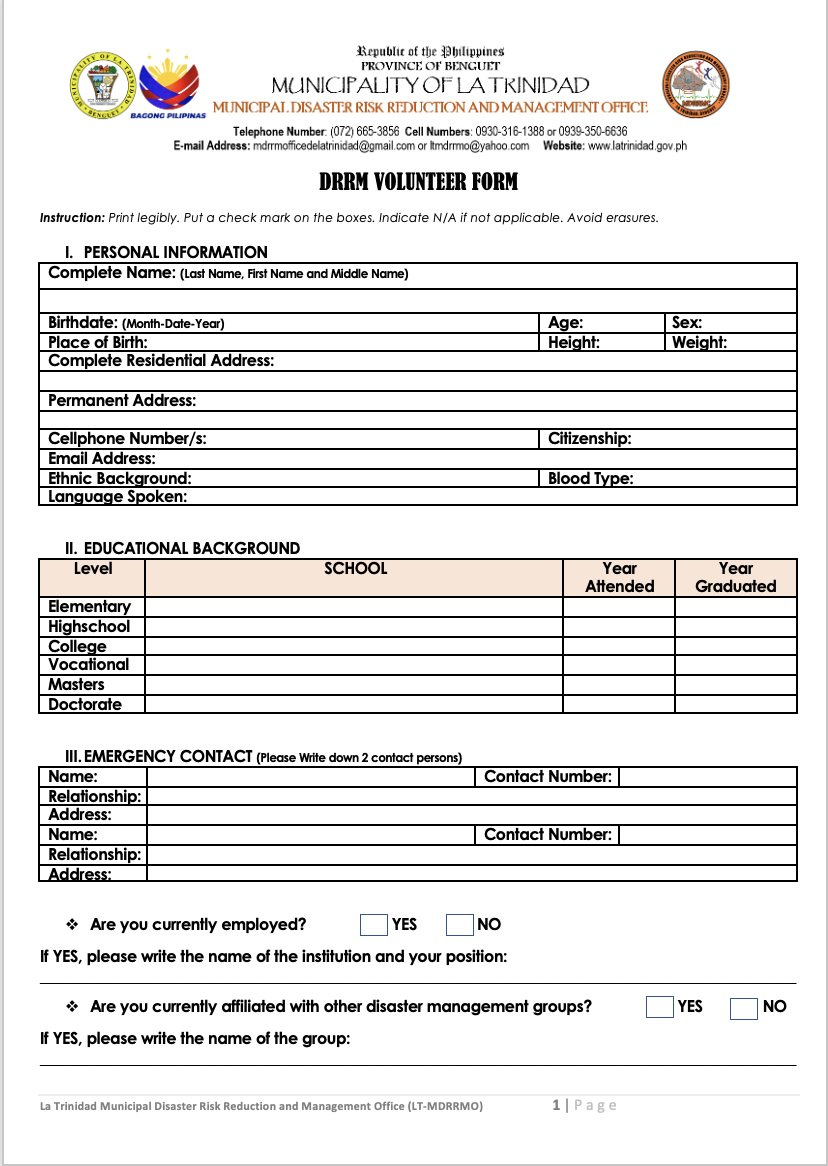
You can download various forms and submit them to us here for approval or evaluation. Or bring them in person to our La Trinidad office.
- 1
Step 1: Download and save the form you need from the forms listed below to your computer or device.
- 2
Step 2: Print out the saved form, fill it out and sign the form.
- 3
Step 3: Scan or photograph the printed form to a PDF, JPG or PNG file.
- 4
Step 4: Upload the new scanned or photographed file using the form here, Select the form type, enter your name and email, select your file using the file upload field. Then hit ‘send your form’ button.